Edit product photos, ready for any marketplace
Upload a photo and edit it in your browser: crop, light, text, badges, platform sizes, and one-click background removal.
Your photo opens straight in the editor. Editing is free.
A ListingSet account is required to upload.
From cutout to finished image, in one place
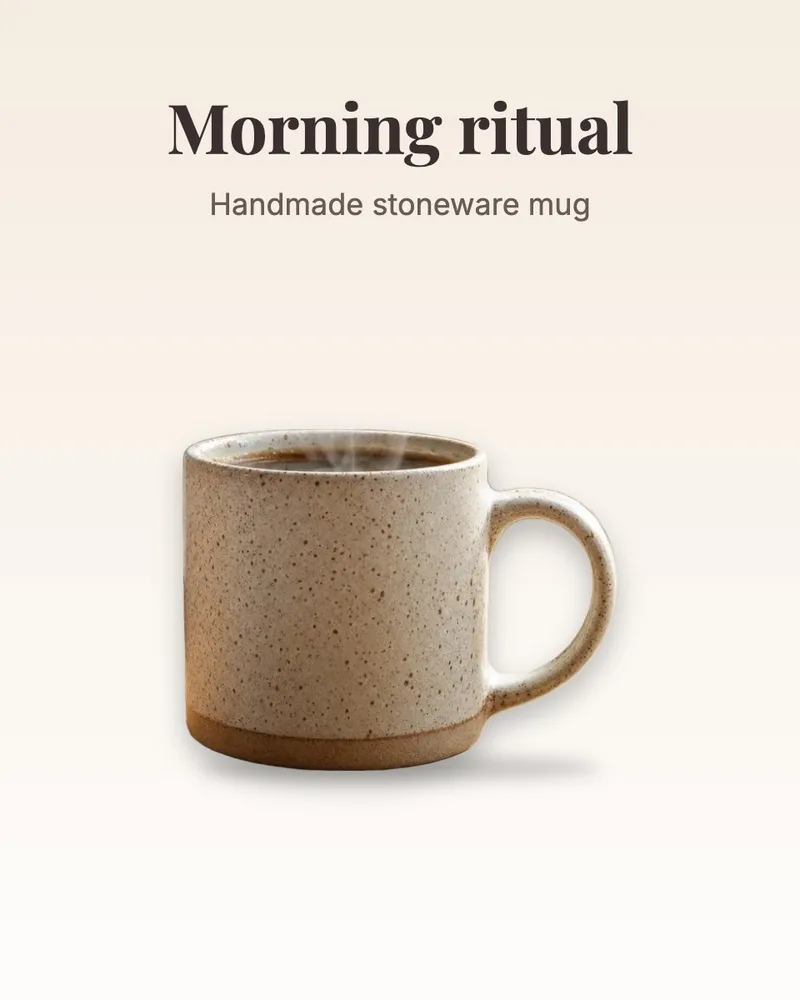
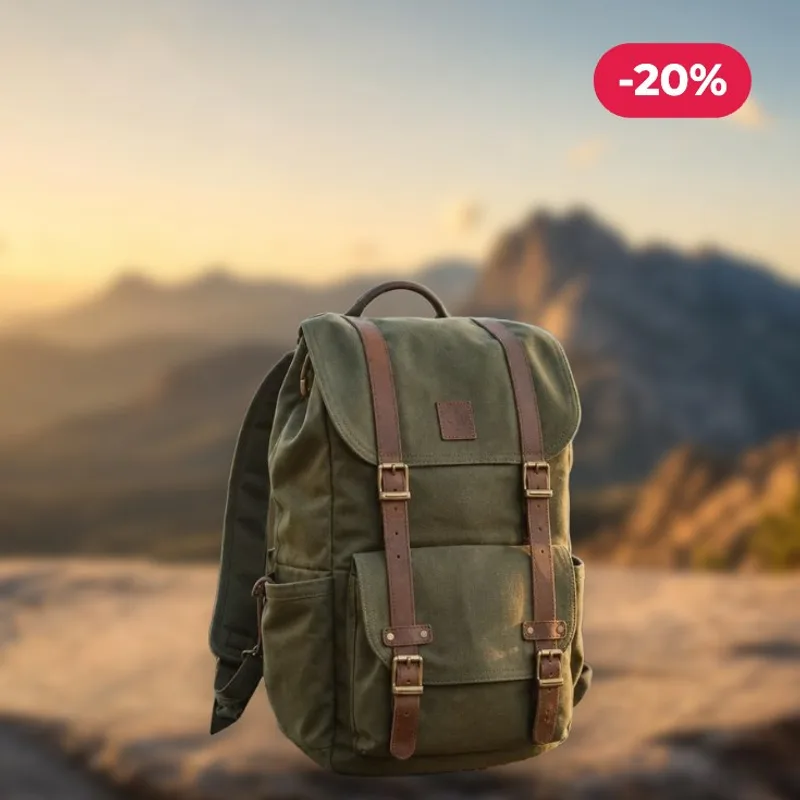
Place your product in a real scene, add shadows that make it sit naturally, then finish it with text, badges and the right size for every platform.
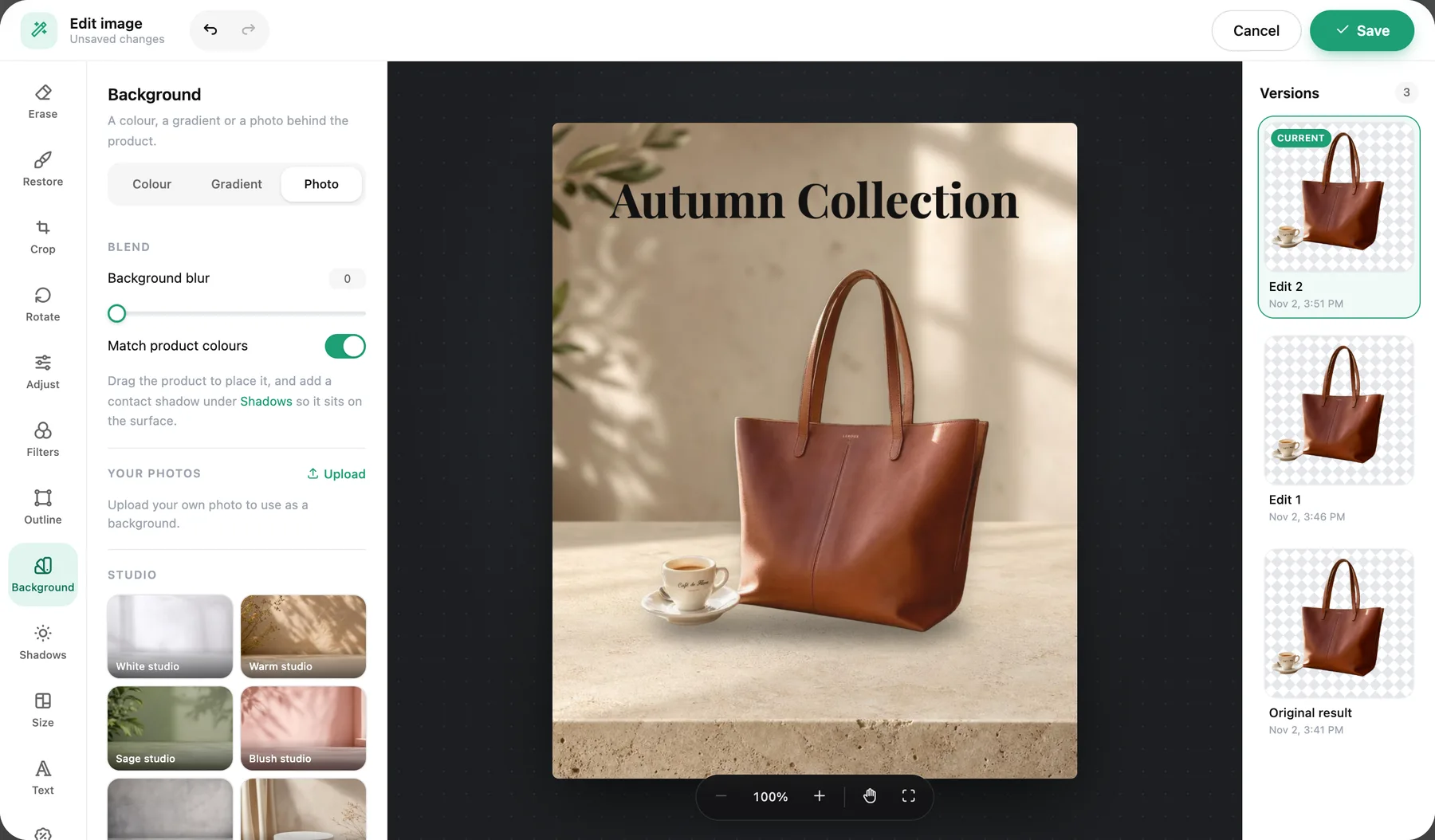

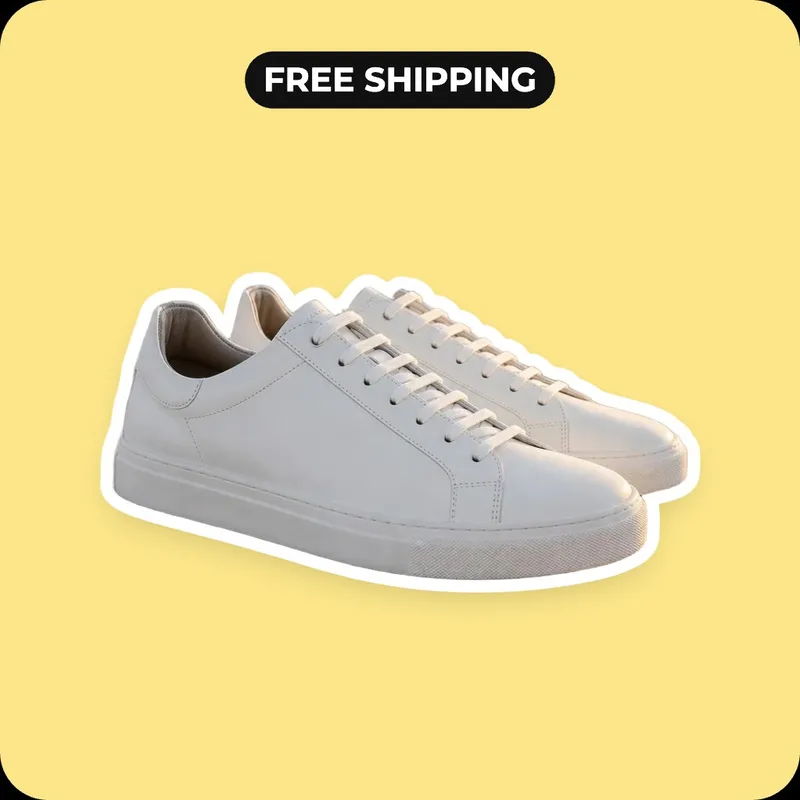
Editing is free. You only pay when you download in full resolution.

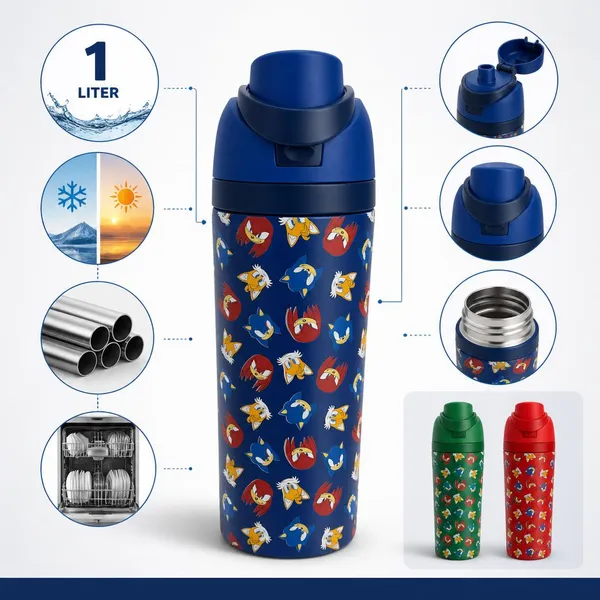
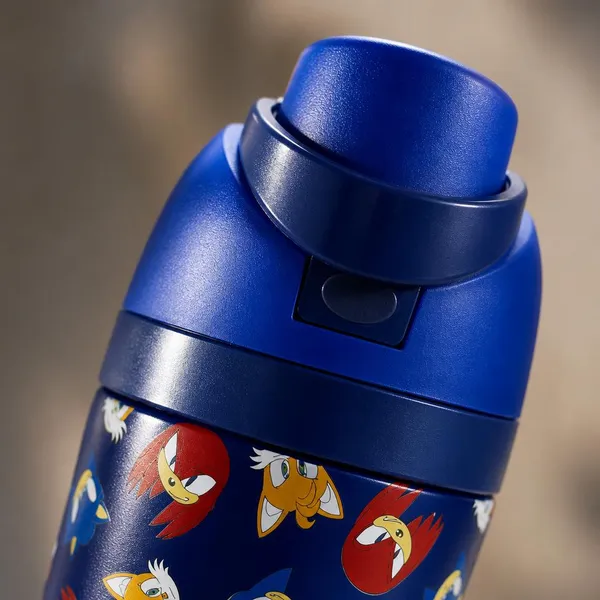
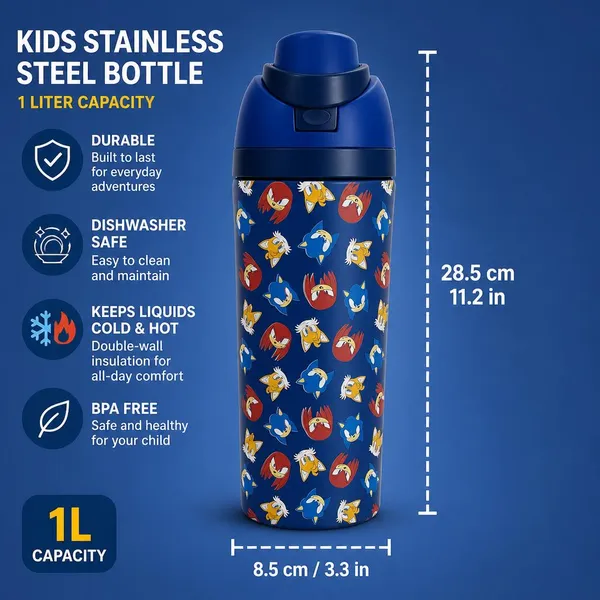
One photo, a full listing image set
Need more than a clean background? Upload one product photo and ListingSet creates a complete set: main image, lifestyle scenes, close-ups, dimensions and infographics.
Create a full set →How to edit a product photo
Upload a photo
Any JPG, PNG or WebP product photo. It opens straight in the editor.
Edit it your way
Crop, fix the light, add text and badges, pick a platform size, or remove the background in one click.
Download
Download a free preview, or the full-resolution file for credits. Every version is saved.