Remove the background, make it white
Upload a product photo. We remove the background and place your product on clean white, in full resolution.
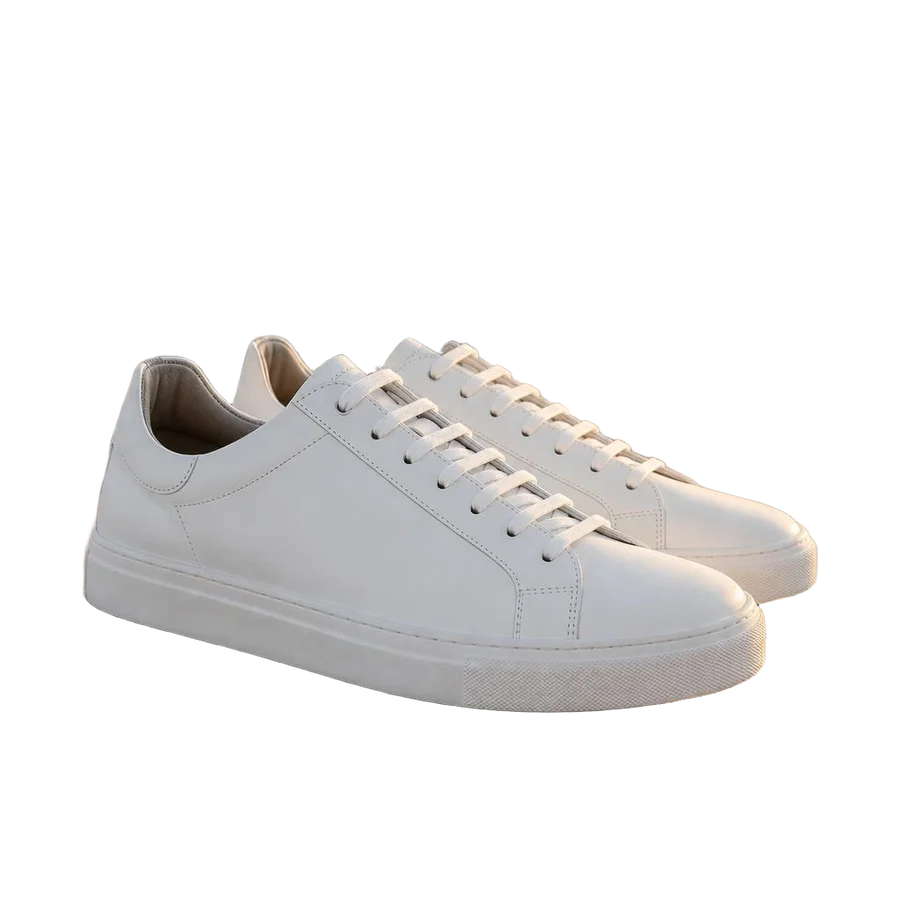
A ListingSet account is required to upload.
See the difference
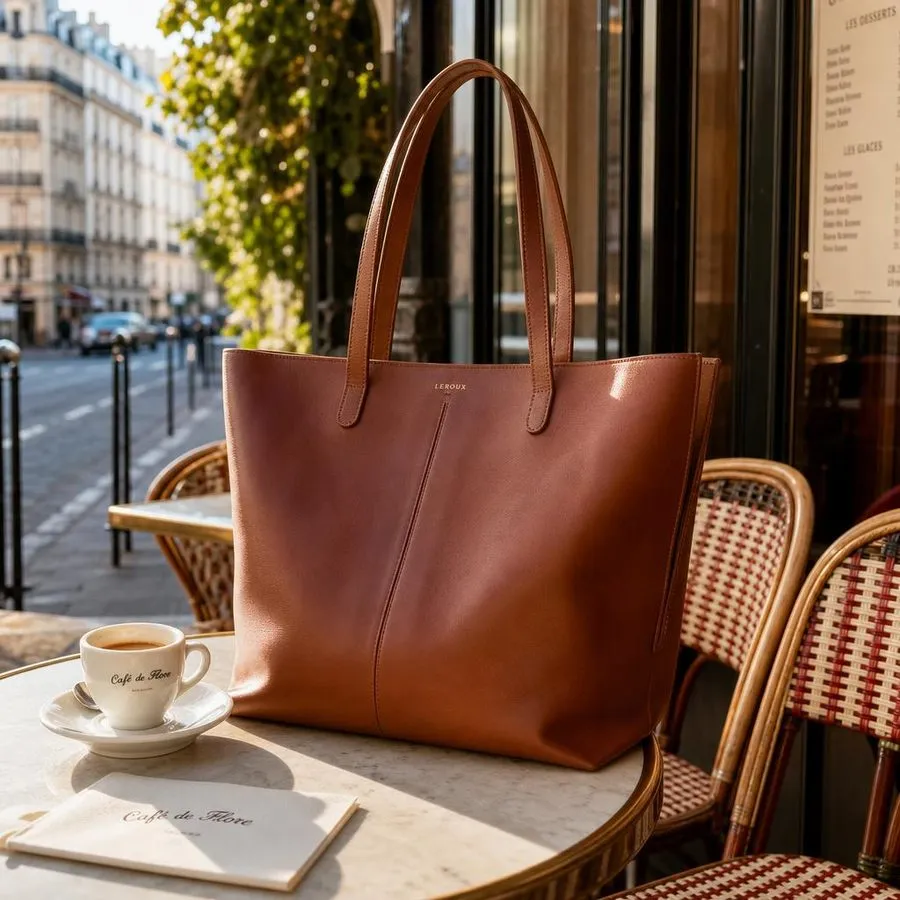
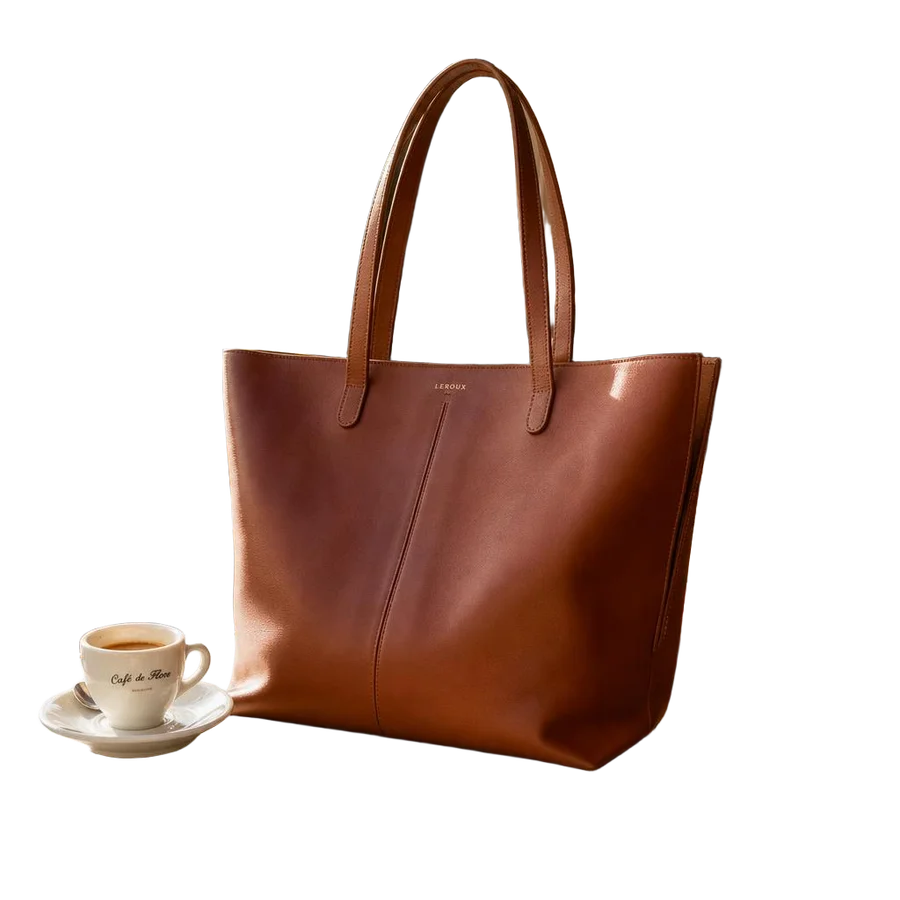
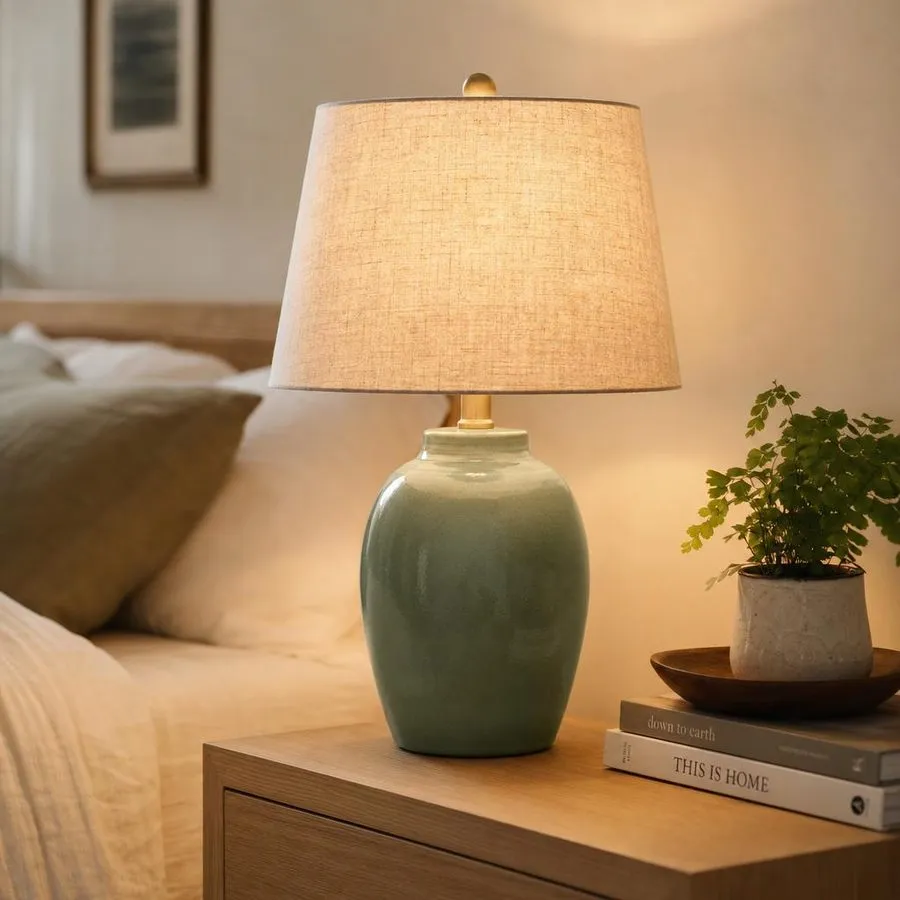
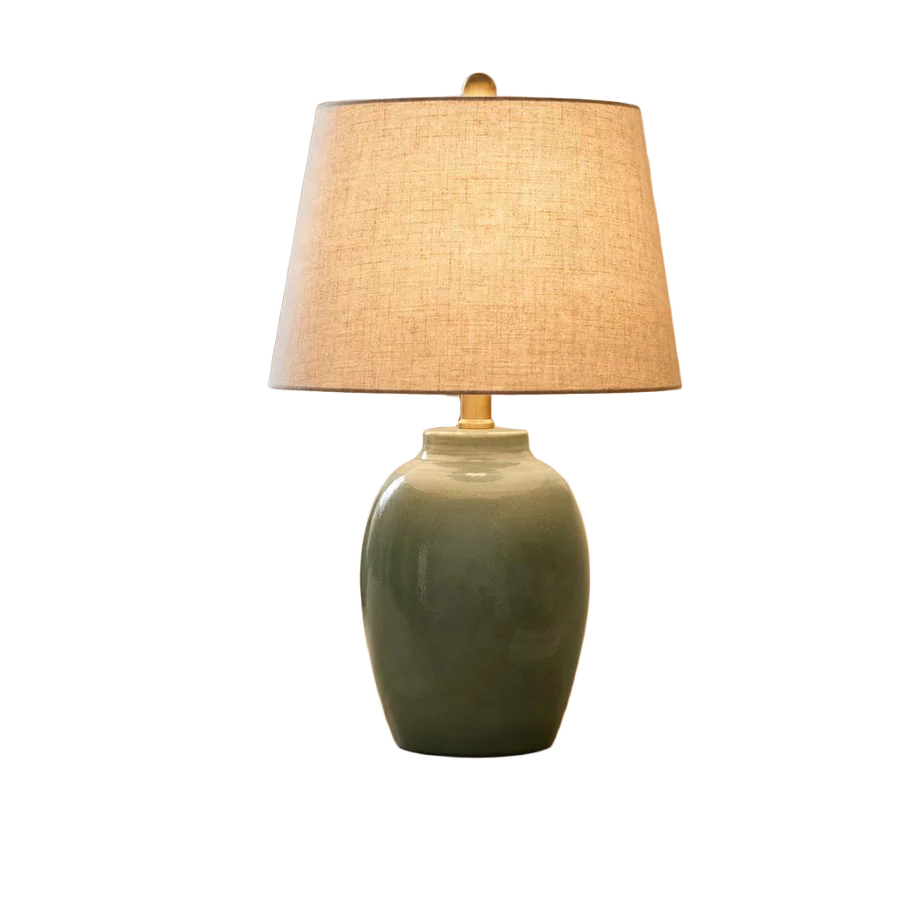
Product photos straight out of the tool, with no manual editing. Drag the line to compare.
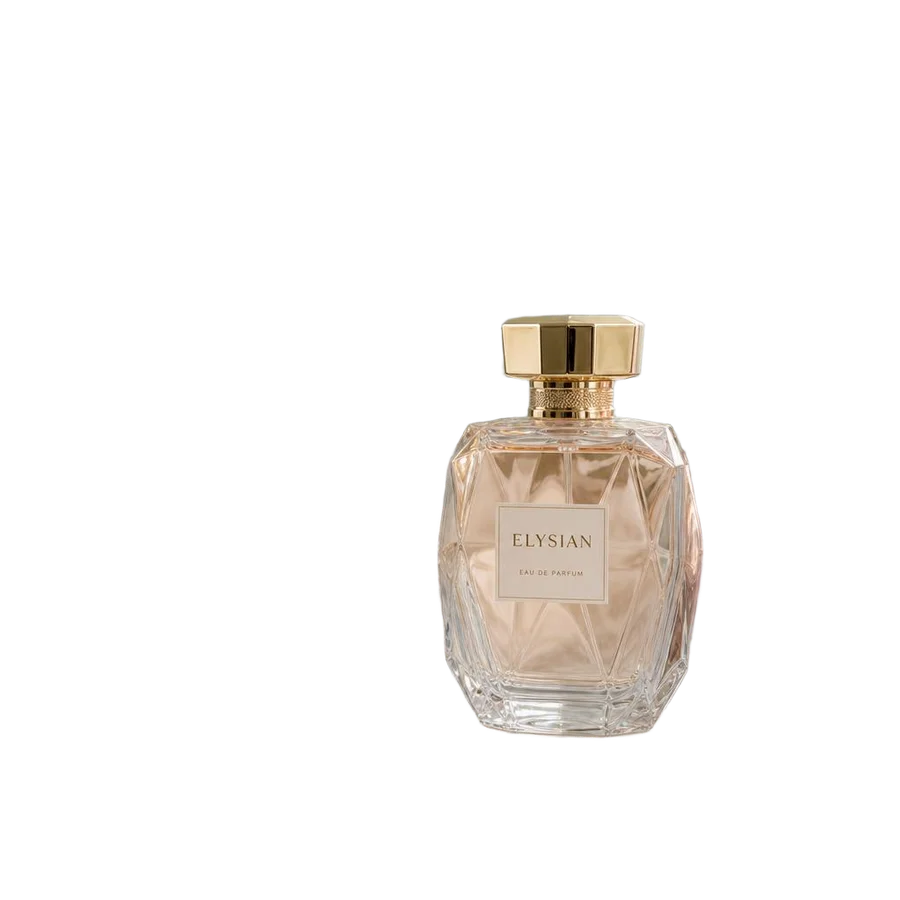
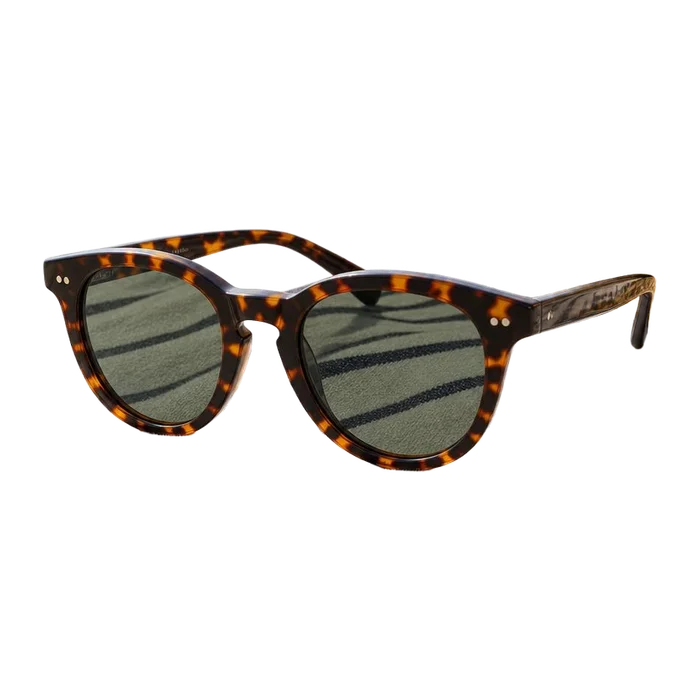
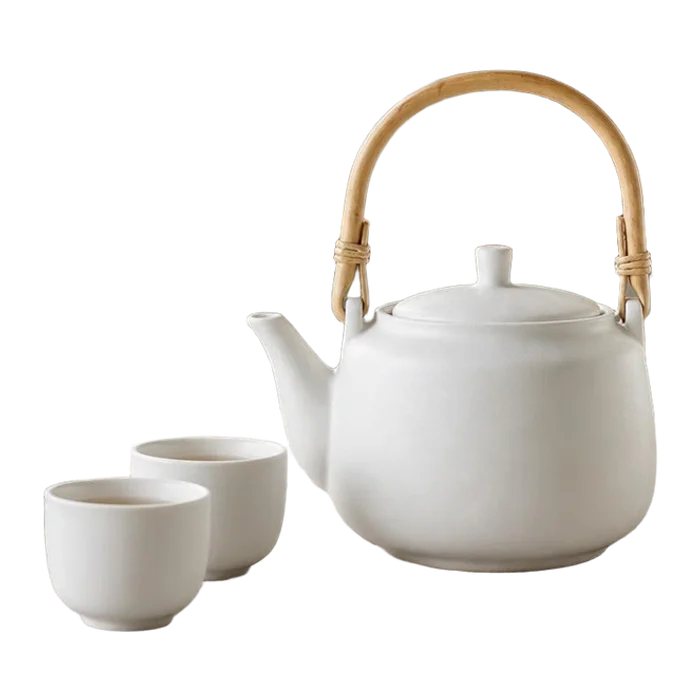
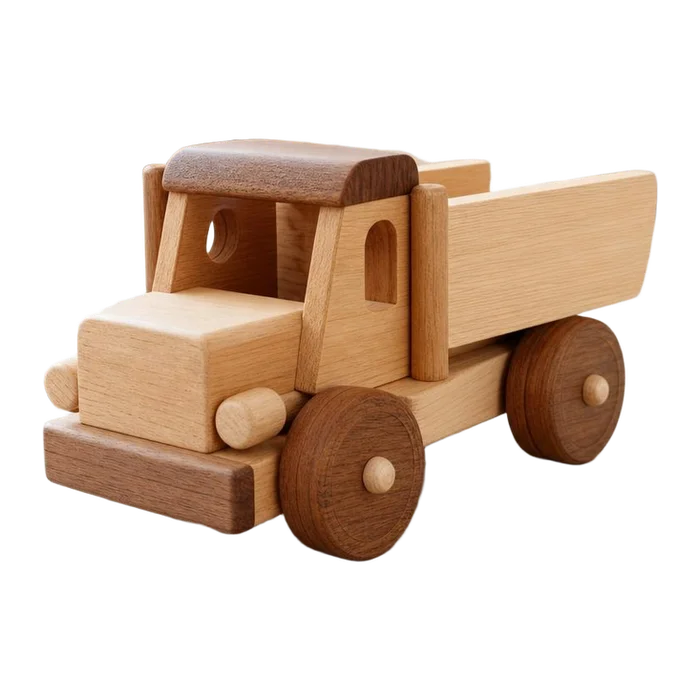
Clean, studio-style product shots
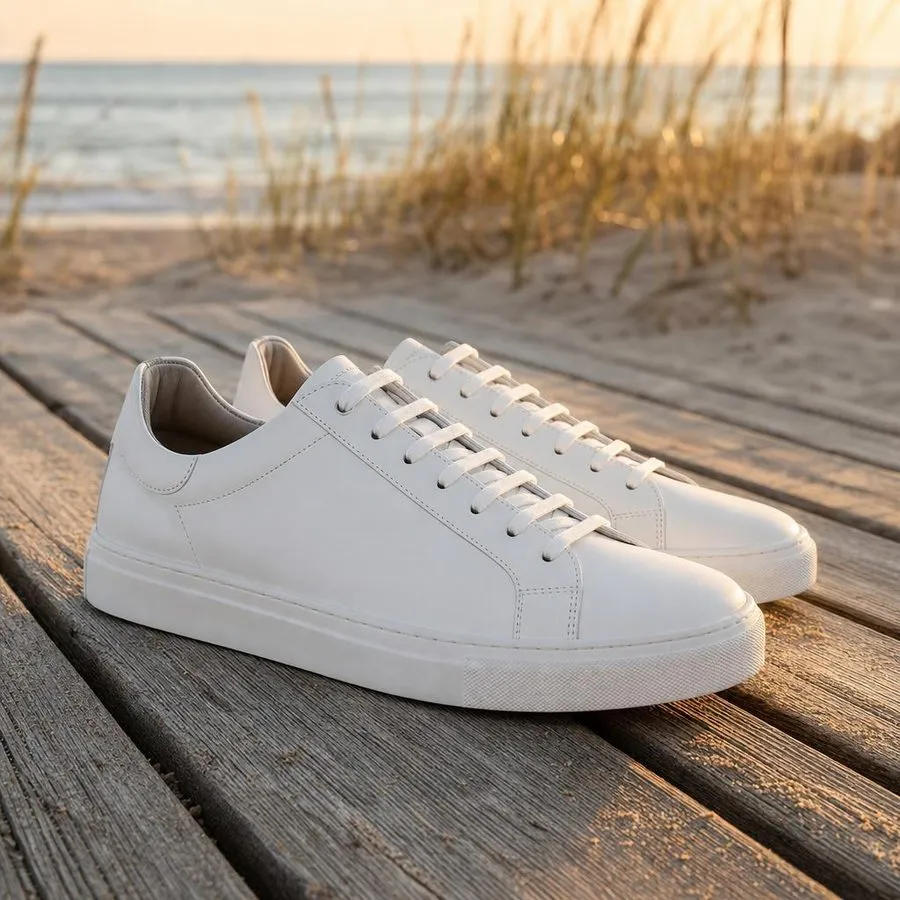
Take a photo anywhere, on a table, on the floor, next to a window. The background is removed and your product is placed on pure white, so every listing looks like it came from the same studio.
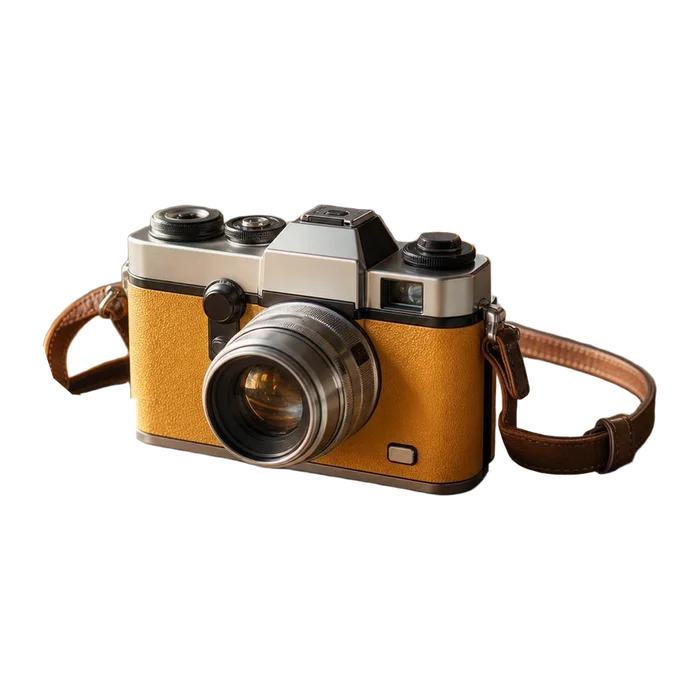
Cutouts you can use anywhere
Download your product as a transparent PNG and drop it into a banner, an ad, a social post or a new background. No tracing, no manual masking.
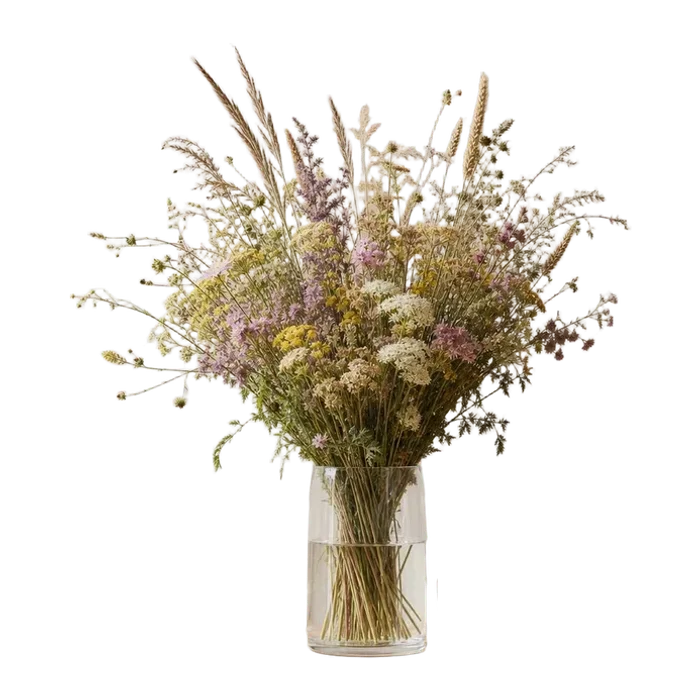
 Before
Even glass and fine details
See-through glass, thin stems and dried grasses are where most background removers struggle. This is a real result from a photo of wildflowers in a glass vase.
From cutout to finished image, in one place
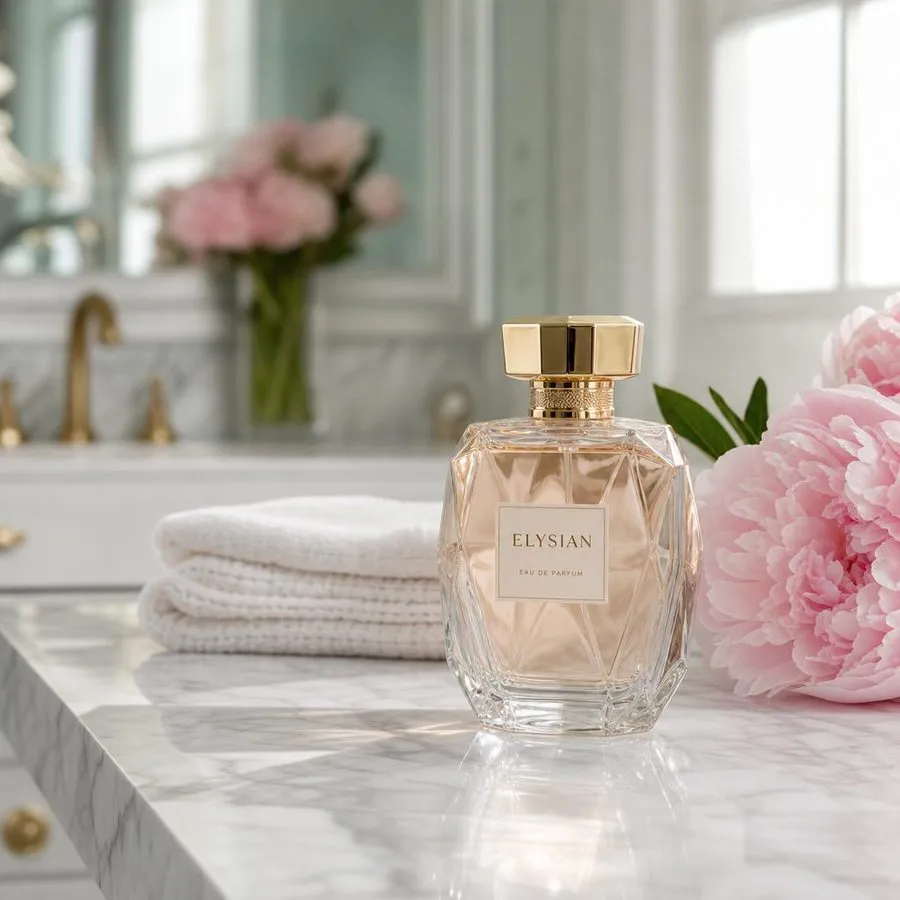
Place your product in a real scene, add shadows that make it sit naturally, then finish it with text, badges and the right size for every platform.
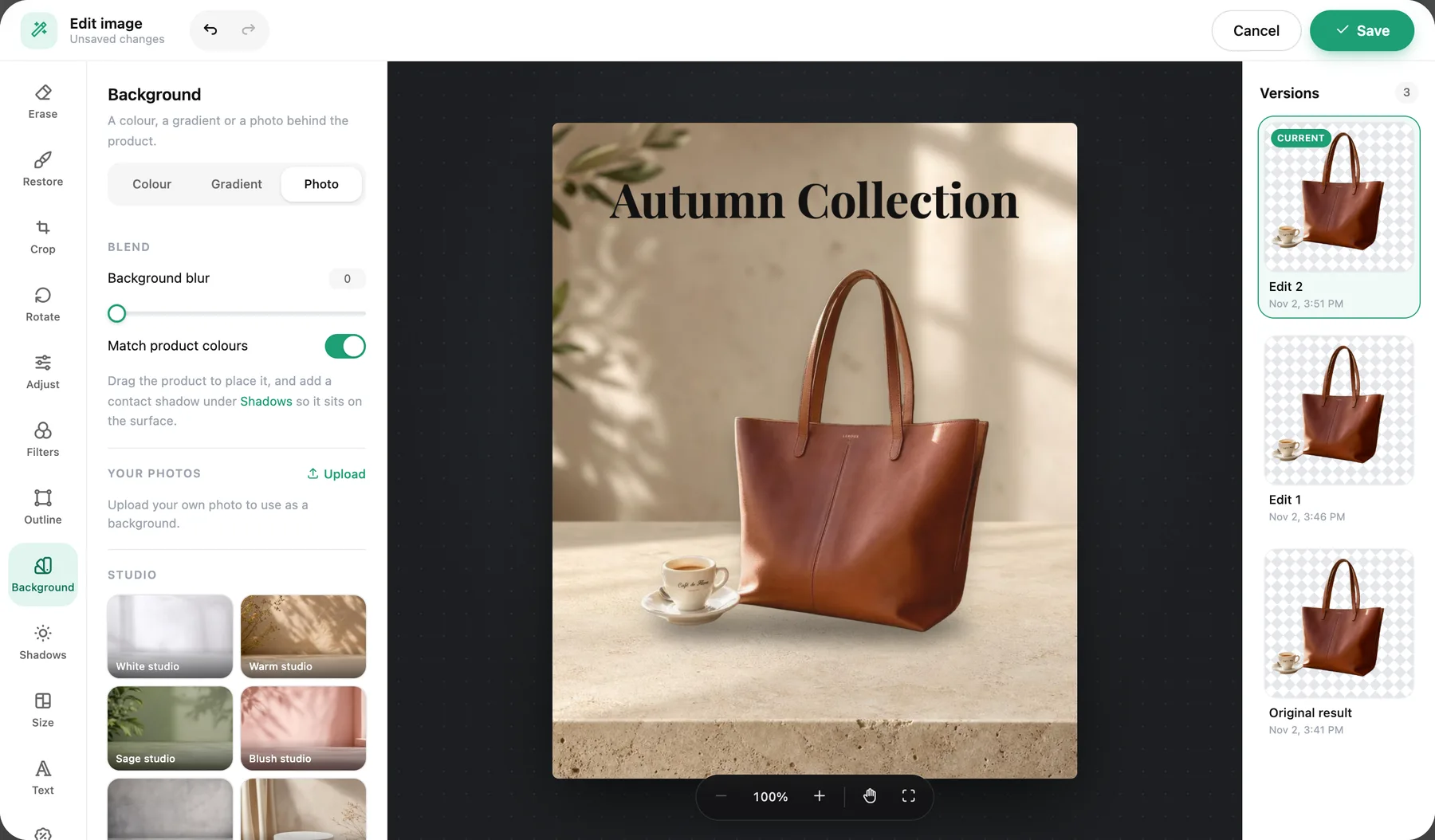
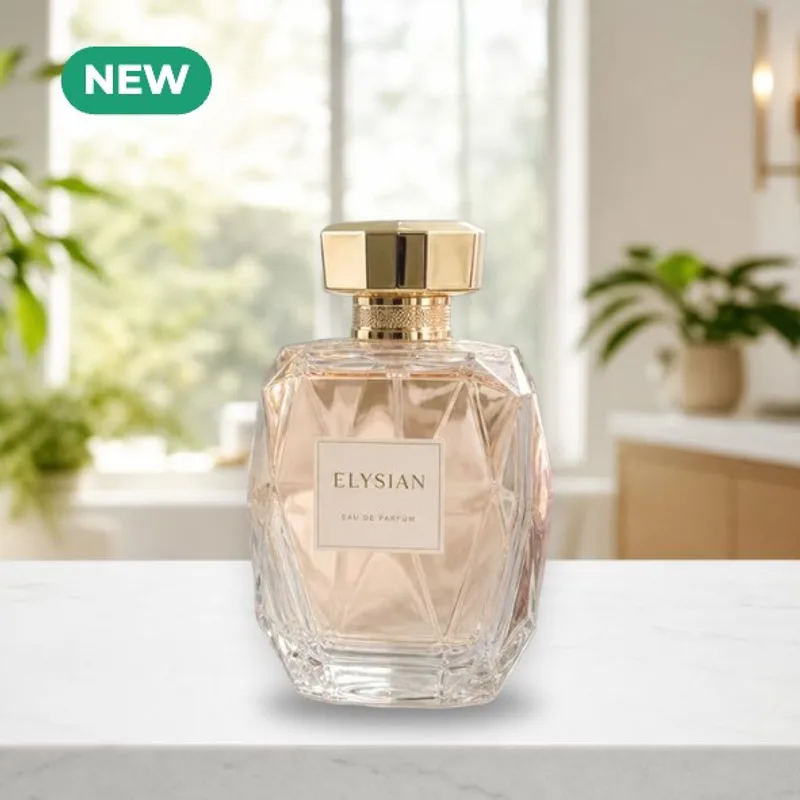
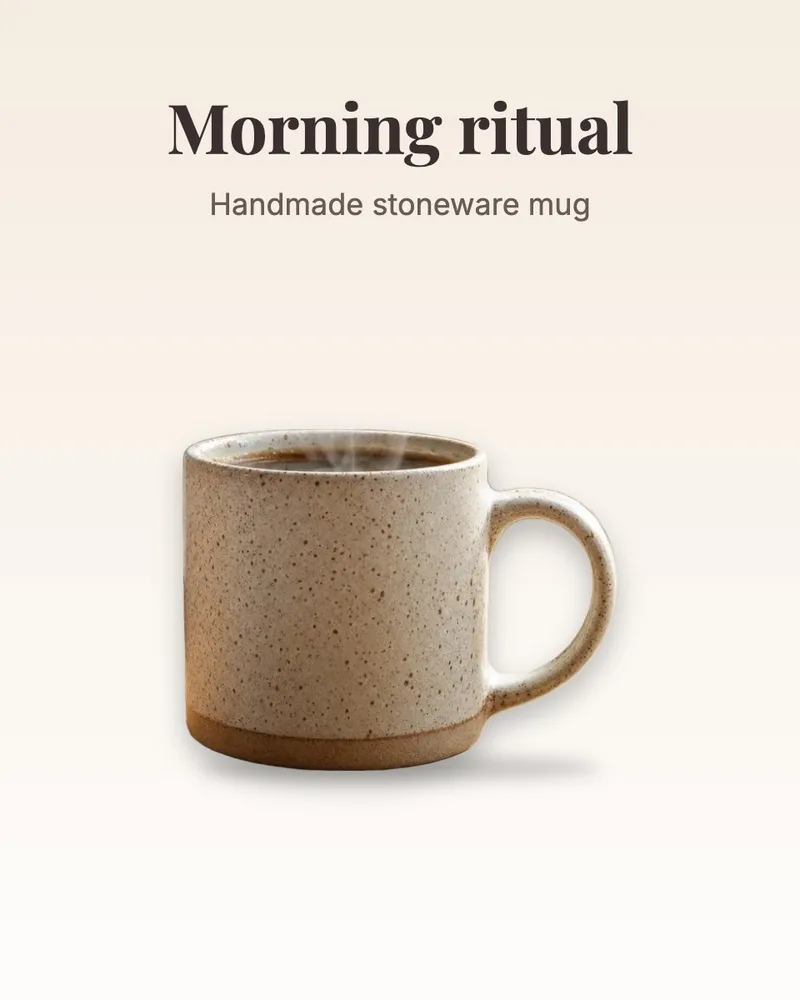
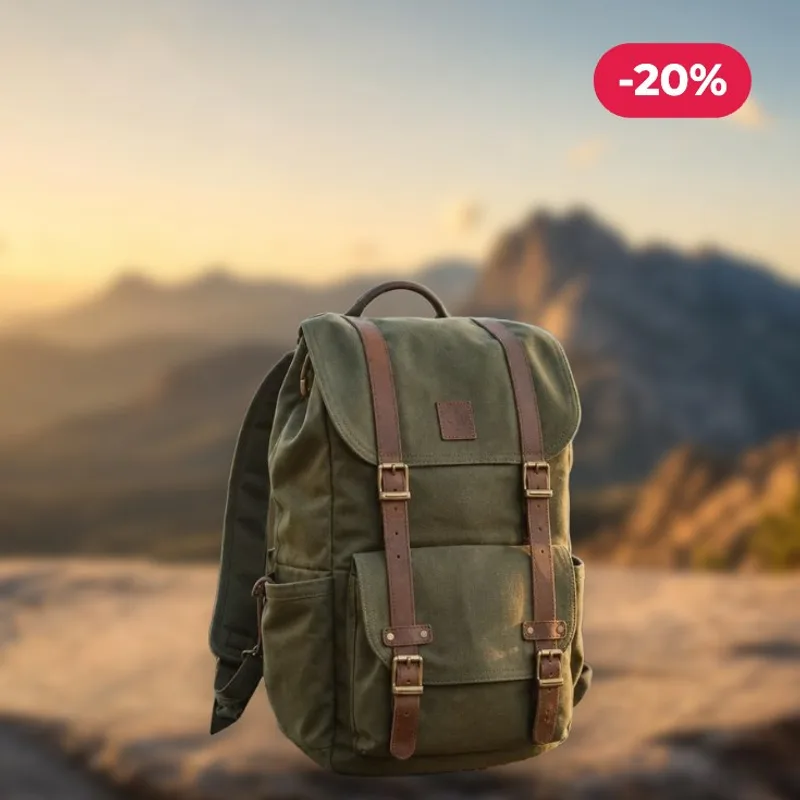
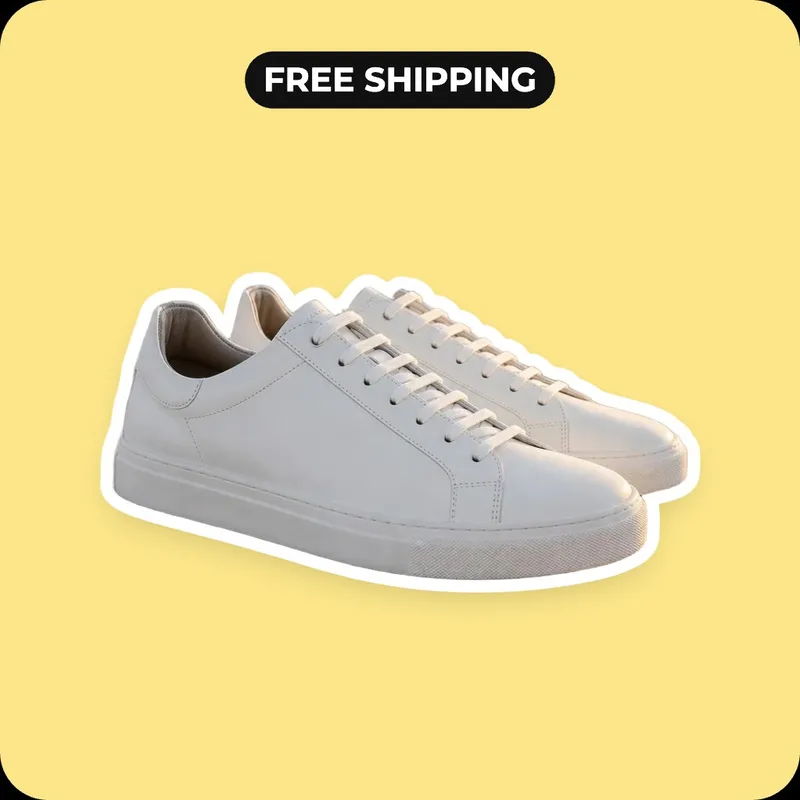
Editing is free. You only pay when you download in full resolution.

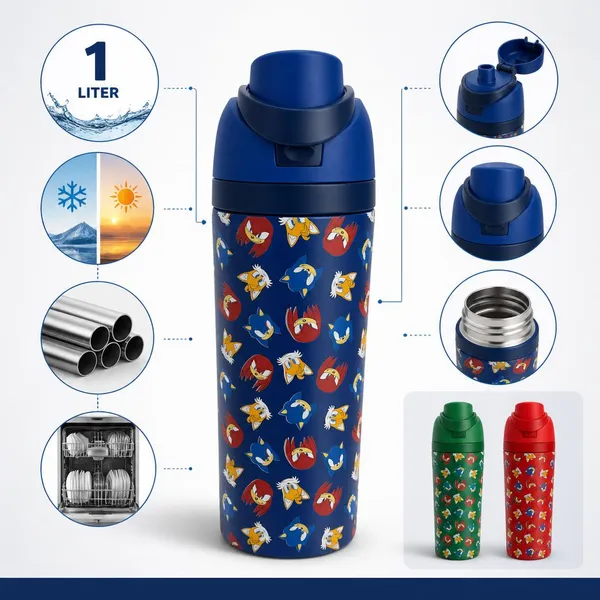
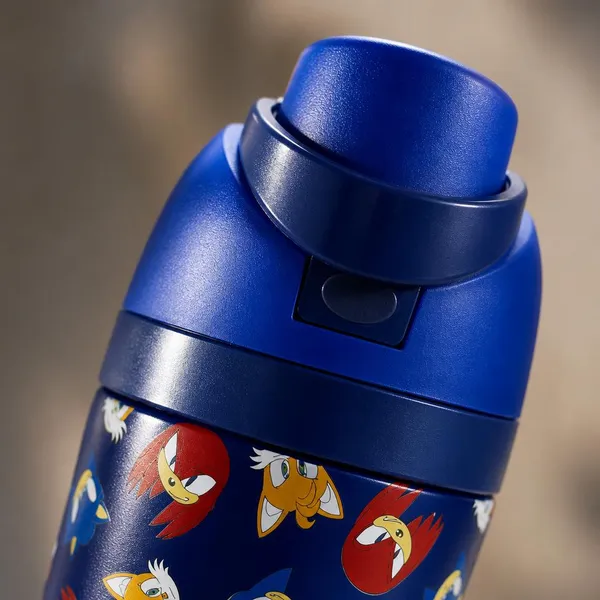
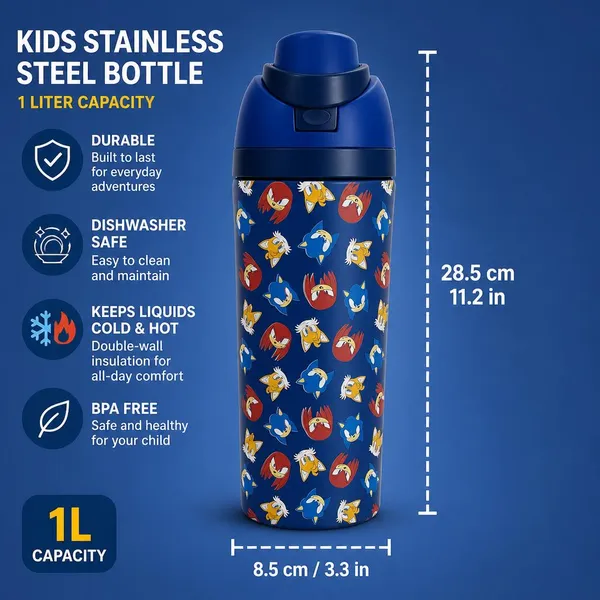
One photo, a full listing image set
Need more than a clean background? Upload one product photo and ListingSet creates a complete set: main image, lifestyle scenes, close-ups, dimensions and infographics.
Create a full set →How to remove a background from an image
Choose a photo
Upload a JPG, PNG or WebP product photo. A phone photo works fine.
Let AI do the work
Click Remove background. The product is cut out automatically in a few seconds.
Download your image
Pick white or transparent, then download a free preview or the full-resolution file.